Wednesday, May 6, 2026
1 p.m. ET / 10 a.m. PT
We are pleased to share that Certinet Systems is now part of Convergence Networks. Learn More.
We provide businesses like yours with IT support, proactive monitoring, and preventive maintenance.
Co-managed IT is a collaboration that works well for companies that want to keep in-house IT staff while also increasing IT capacity and specialized expertise.
We will design a customized IT helpdesk solution that meets your current business needs and scales with you as you grow.
We provide scalable, secure, and cost-effective network support that evolves with your growing business.
Providing organizations with comprehensive backup and disaster recovery solutions whether on premise or in the cloud.
Benefits from expert guidance, strategic planning and a proactive approach to IT management that drives success.
We provide cybersecurity solutions and support designed to protect your networks, assets and data while ensuring compliance with your industry regulations
We provide Zero Trust Security and Application Safeguarding to protect your environment from internal and external threats.
We provide services to assess your risk, strengthen your cybersecurity program and orient your team with solid procedures and training.
We provide the next generation of managed security services with a focus on real-time threat detection, threat hunting and active response.
We ensure your business becomes and stays compliant with all relevant regulations, safeguarding your organization’s sensitive data and reputation.
We provide ongoing services and one-time engagements to improved your cybersecurity and safeguard your critical data and assets.
Pen testing simulates a real-world cyberattack to uncover potential weaknesses before malicious actors can exploit them.
We take a holistic approach to ensuring your organization achieves and maintains compliance with Cybersecurity Maturity Model Certification (CMMC) standards.
We’ll craft customized, secure cloud solutions that meet your organization’s needs. From strategic planning to execution, our cloud migration services are designed to help your business attain smooth transitions.
We create and maintain secure, scalable and high-performing cloud environments that can be used to set yourself apart from the competition.
As a Microsoft Partner, Convergence Networks has access to exclusive training, products and tools to support our clients. We also offer tools and resources that are only available to Microsoft Partners.
We specialize in guiding businesses through cloud migrations and with leveraging Microsoft 365 benefits without technical obstacles.
We explore the specific advantages and potential challenges of adopting Microsoft Azure for your organization, help you understand how Azure fits into your overall business strategy and how it can be tailored to meet your distinct objectives.
Our team will partner with you to consolidate all your voice service needs into one place using a Microsoft Teams Phone system.
We provide the next generation of managed security services with a focus on real-time threat detection, threat hunting and active response.
Leverage the power of Microsoft 365 for modern and secure collaboration. Convergence Networks helps you unlock its full value through expert implementation, change management and tailored training programs that achieve results.
Modernize legacy applications for a faster, safer, more agile business. Our application modernization services are designed to reduce risk, accelerate business outcomes and create tools your team will want to use.
Stop wasting time on manual work. Let automation do the heavy lifting. We help you transition from manual to modern with secure, high-impact Business Process Automation (BPA) services.
Connect business-critical apps to improve security, visibility and operational control with cloud integration services. Our integration services turn disconnected apps into a secure, manageable, and unified system.
Improve connection, support employee growth and foster an inclusive culture with secure Microsoft employee engagement solutions. We help organizations support employees throughout their entire journey.
Unlock business success with our Data Analytics Services. Visualize trends and make smarter data-driven decisions. Identify trends, explore relationships in your data, and share information with your team with ease.
Transform how your team works with a secure, customized SharePoint solution built for Microsoft 365 and your business needs. Unlock the full potential of your business and 365 investment with expert SharePoint services.
We provide the next generation of managed security services with a focus on real-time threat detection, threat hunting and active response.
Our Copilot Factory delivers AI Copilots tailored to the unique needs of organizations. Discover new productivity and greater achievement.
Leverage secure AI adoption with expert-led deployment, training, policy guidance, and data protection. We help organizations adopt tools like Microsoft Copilot and other generative AI with strong data security protocols built-in.
You need an expert in your field. With over 20 years of experience in all areas of technology, we have your
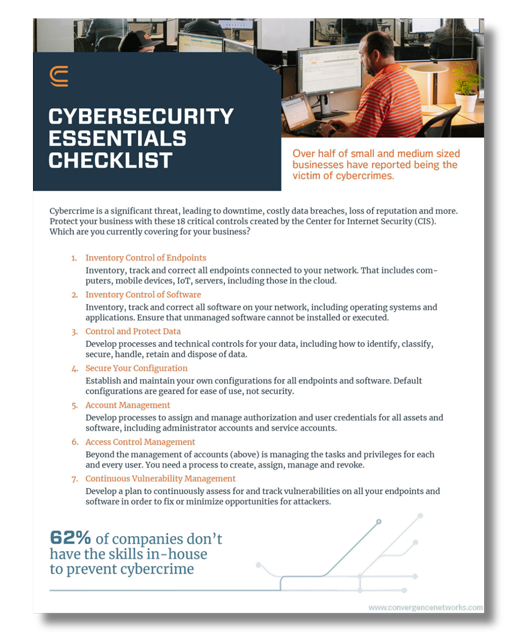
How many of these 18 critical CIS controls does your business have?
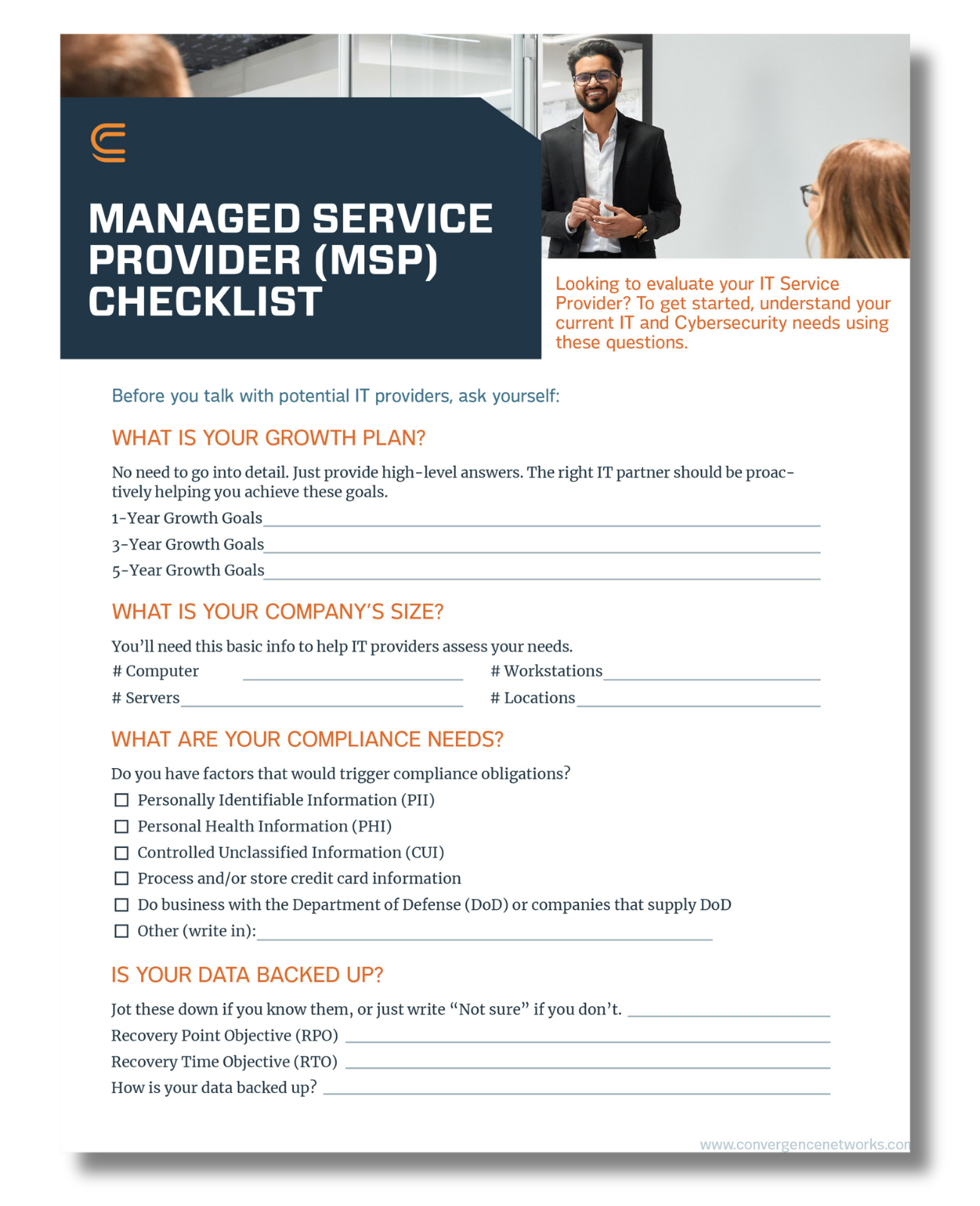
Searching for IT services? Here are the top questions to ask.
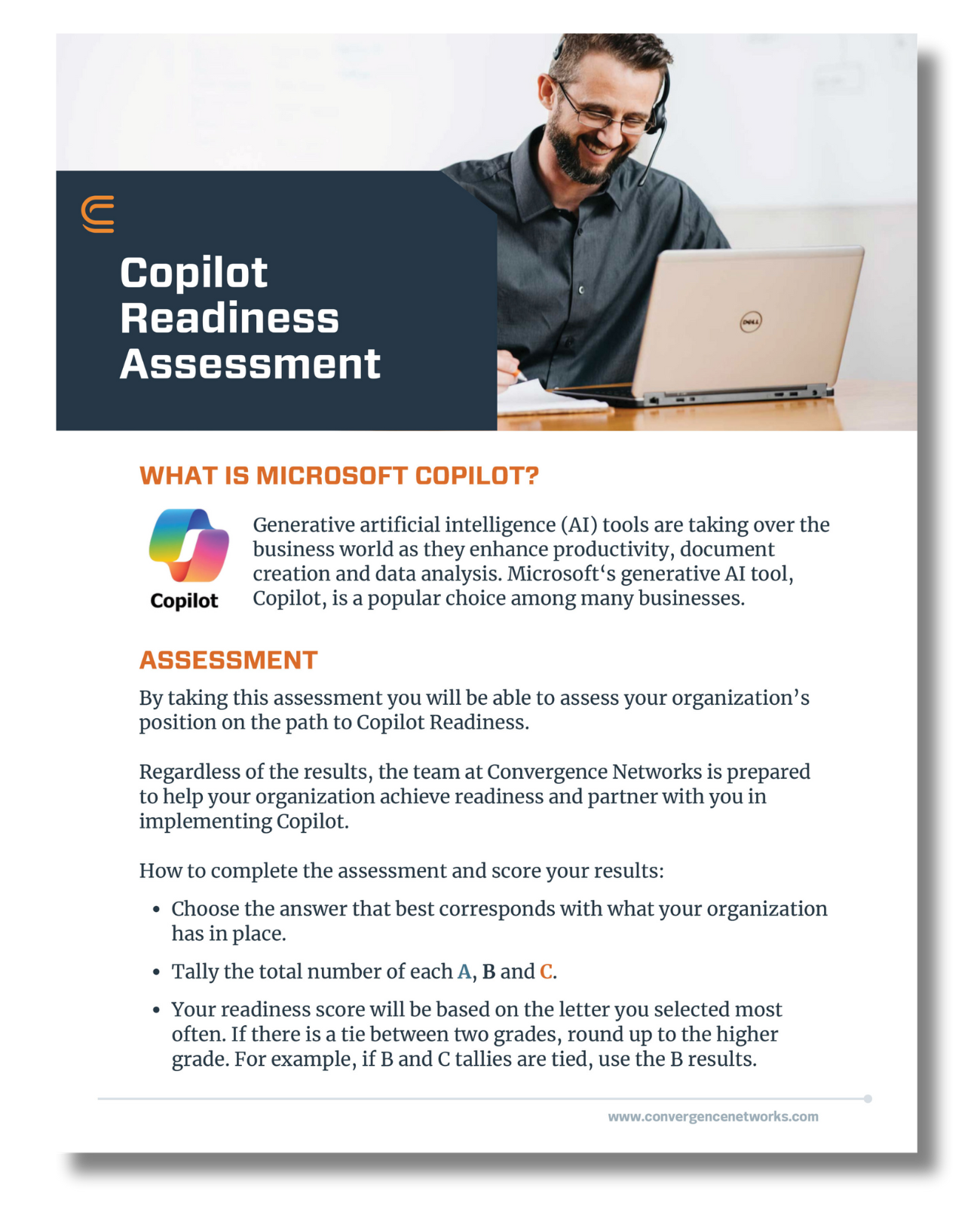
Is your organization ready for Copilot? Find out with this assessment.
We pulled together the most common business IT questions and provided some answers.
We are a security first IT services firm providing
We approach our clients with a focus on their business goals and requirements before recommending solutions to help achieve the desired outcomes. Learn more about what makes us unique.
Our core mission as a company is to help and empower people. We want to lend our time and resources to these organizations as way to give back and support all they do for our communities.
Cyber risk continues to rise as more work, communication, and personal activity increasingly depend on connected systems. In 2025, the average cost of a data breach in the United States reached approximately $10.22 million. Statistics show that on average, it takes 204 days to identify a breach and another 73 days to contain it. The question then is, can a business or even a personal account realistically withstand that kind of disruption? For small and midsize organizations, the impact is often severe since many lack cyber insurance or the financial flexibility to absorb losses of $1 million or more.
The good news is that many incidents are preventable. Everyday choices such as how you connect to Wi Fi, how you manage passwords, and what information you share online often determine whether data stays protected or becomes exposed. This article outlines cybersecurity tips designed for real people, not just IT teams. They apply to remote workers, families, and everyday users who want clear guidance without unnecessary complexity.
With more people working from home, personal devices and home Wi Fi are now part of how business gets done. That shift has expanded the attack surface and made remote workers a frequent target. Here are some steps remote workers can take in 2026 to reduce risk and protect their work and data.
Your Wi Fi network connects laptops, phones, printers, and smart devices. Change the default router password as soon as possible. Enable WPA3 encryption if your router supports it. If your router or devices do not support WPA3, enable WPA2 at a minimum. Older security protocols are often weak and can lead to security compromises. Keep firmware updated and avoid connecting unknown devices. A secure network protects everything that relies on it.
We get it, strong and complex passwords can be hard to manage, but do not save passwords in an Excel file or write them in a notebook. Use a password manager application instead. It can feel convenient to let your browser store passwords, but attackers know that convenience works in their favor. If they compromise your browser account or device profile, saved passwords can be exposed. A dedicated password manager is a separate application built for securely creating and storing unique passwords for every account. If you’d like to learn more about password managers, our blog talks about their importance and choosing the right password manager to keep your passwords safe.
MFA adds a second verification step that blocks many account takeover attempts. Enable it on all emails, collaboration platforms, cloud storage, VPN access, and administrative tools.
Public Wi-Fi networks are easy to intercept. Sensitive work should only be done on trusted networks. When traveling, use a company-approved VPN to reduce exposure.
Only share files with verified recipients. Review access regularly and remove permissions that are no longer required.
Well-defined cybersecurity policies help employees understand their responsibilities and respond appropriately when issues arise. When policies are followed consistently, organizations reduce exposure and create a more secure working environment.
If your company doesn’t have a cybersecurity policy, then now is the time to create one. We have also created a cybersecurity policy checklist to help businesses review and strengthen their existing policies.
Families often share devices and Wi-Fi, which makes security a shared responsibility for everyone in the household. Because accounts, networks, and devices overlap, one unsafe action can affect others. These tips focus on habits families can use to reduce cybersecurity risk in 2026.
Each person should have their own login on computers and tablets. This reduces accidental changes, keeps browsing separate, and limits the impact if one account is compromised.
Avoid using an administrator account for normal browsing, email, schoolwork, or shopping. Admin accounts can install software and change system settings, which means malware can do more damage if it runs under an admin login. Only the person responsible for maintaining the device should have administrator access, including tasks like applying updates, managing antivirus software, and installing approved software. Everyone else should use a standard user account for day-to-day activity.
Passwords remain your first line of defense. Weak or reused passwords make it easier for attackers to access email, banking, and shopping accounts. Use long passphrases, avoid reusing passwords, and change any password that has been involved in a breach.
Turn on MFA for email, banking, social media, and any account that stores payment information. Email is especially important because it is often used for password resets.
Limit public posts that reveal birthdays, addresses, school details, routines, or travel plans. This information is often used in identity fraud and account recovery attacks.
A credit freeze prevents new accounts from opening in your name. It is free and reversible. You can lift it temporarily when applying for credit. This step blocks many identity theft attempts before damage occurs.
Some of the most effective protection comes from habits that reduce exposure quietly over time. These unique cybersecurity tips are less talked about, but they address real ways people get compromised.
Old accounts are easy to forget and hard to monitor. Close accounts you no longer use. Remove saved payment methods. Delete stored personal details where possible. Less data stored means less data exposed.
Passkeys reduce reliance on traditional passwords and make it harder for attackers to steal credentials through fake login pages.
If possible, avoid using the same device for work systems and casual browsing. Separation limits how far an infection or account compromise can spread.
If your email address appears in breach data, attackers often try those credentials elsewhere. Monitoring tools can alert you earlier so you can change passwords and turn on MFA before an account is taken over.
Backups are not only for businesses. A consistent schedule matters more than an occasional backup. Decide what matters most, back it up, and test that you can restore it.
“Security tools are improving, but so are attackers. The organizations that will be safer in 2026 are the ones investing in people, processes, and disciplined execution, not just new technology.” ~ Jonathan Wolff – Manager, Security and Compliance Practice
These cybersecurity safety tips apply to remote workers, families, and anyone using connected devices daily. They are simple habits that prevent common issues.
Updates fix known security flaws. Delaying updates increases risk because attackers often target vulnerabilities that already have fixes available.
Public USB ports can be used to transfer data or deliver malware. Use your own charger and a wall outlet when possible.
Attackers often look for easy access, not famous targets. The most common failures are rushed decisions and missed controls, not advanced hacking.
Avoid logging into financial accounts or work systems on shared computers. If you must sign in somewhere unfamiliar, change passwords afterward and review account activity.
Remove extensions you do not recognize. Limit permissions that do not match what the app actually needs, especially camera, microphone, contacts, and location.
Phishing is designed to look normal. Slow down when you see urgent language, unexpected attachments, login prompts, or payment requests.
When phishing happens, the best defense is knowing what to check before you click. We put together a printable guide your team can keep nearby for quick reference.

The strongest results come from consistency. Businesses should combine clear policies, training, and monitoring with daily habits employees can follow without confusion. Individuals and families should build routines around updates, strong passwords, MFA, backups, and careful sharing.
Start small, pick a few actions from this list, and make them routine. Over time, those small decisions add up to real protection.
To connect, please enter the 6-digit code given to you by your Network Administrator: