Wednesday, May 6, 2026
1 p.m. ET / 10 a.m. PT

We are pleased to share that Certinet Systems is now part of Convergence Networks. Learn More.
We provide businesses like yours with IT support, proactive monitoring, and preventive maintenance.
Co-managed IT is a collaboration that works well for companies that want to keep in-house IT staff while also increasing IT capacity and specialized expertise.
We will design a customized IT helpdesk solution that meets your current business needs and scales with you as you grow.
We provide scalable, secure, and cost-effective network support that evolves with your growing business.
Providing organizations with comprehensive backup and disaster recovery solutions whether on premise or in the cloud.
Benefits from expert guidance, strategic planning and a proactive approach to IT management that drives success.
We provide cybersecurity solutions and support designed to protect your networks, assets and data while ensuring compliance with your industry regulations
We provide Zero Trust Security and Application Safeguarding to protect your environment from internal and external threats.
We provide services to assess your risk, strengthen your cybersecurity program and orient your team with solid procedures and training.
We provide the next generation of managed security services with a focus on real-time threat detection, threat hunting and active response.
We ensure your business becomes and stays compliant with all relevant regulations, safeguarding your organization’s sensitive data and reputation.
We provide ongoing services and one-time engagements to improved your cybersecurity and safeguard your critical data and assets.
Pen testing simulates a real-world cyberattack to uncover potential weaknesses before malicious actors can exploit them.
We take a holistic approach to ensuring your organization achieves and maintains compliance with Cybersecurity Maturity Model Certification (CMMC) standards.
We’ll craft customized, secure cloud solutions that meet your organization’s needs. From strategic planning to execution, our cloud migration services are designed to help your business attain smooth transitions.
We create and maintain secure, scalable and high-performing cloud environments that can be used to set yourself apart from the competition.
As a Microsoft Partner, Convergence Networks has access to exclusive training, products and tools to support our clients. We also offer tools and resources that are only available to Microsoft Partners.
We specialize in guiding businesses through cloud migrations and with leveraging Microsoft 365 benefits without technical obstacles.
We explore the specific advantages and potential challenges of adopting Microsoft Azure for your organization, help you understand how Azure fits into your overall business strategy and how it can be tailored to meet your distinct objectives.
Our team will partner with you to consolidate all your voice service needs into one place using a Microsoft Teams Phone system.
We provide the next generation of managed security services with a focus on real-time threat detection, threat hunting and active response.
Leverage the power of Microsoft 365 for modern and secure collaboration. Convergence Networks helps you unlock its full value through expert implementation, change management and tailored training programs that achieve results.
Modernize legacy applications for a faster, safer, more agile business. Our application modernization services are designed to reduce risk, accelerate business outcomes and create tools your team will want to use.
Stop wasting time on manual work. Let automation do the heavy lifting. We help you transition from manual to modern with secure, high-impact Business Process Automation (BPA) services.
Connect business-critical apps to improve security, visibility and operational control with cloud integration services. Our integration services turn disconnected apps into a secure, manageable, and unified system.
Improve connection, support employee growth and foster an inclusive culture with secure Microsoft employee engagement solutions. We help organizations support employees throughout their entire journey.
Unlock business success with our Data Analytics Services. Visualize trends and make smarter data-driven decisions. Identify trends, explore relationships in your data, and share information with your team with ease.
Transform how your team works with a secure, customized SharePoint solution built for Microsoft 365 and your business needs. Unlock the full potential of your business and 365 investment with expert SharePoint services.
We provide the next generation of managed security services with a focus on real-time threat detection, threat hunting and active response.
Our Copilot Factory delivers AI Copilots tailored to the unique needs of organizations. Discover new productivity and greater achievement.
Leverage secure AI adoption with expert-led deployment, training, policy guidance, and data protection. We help organizations adopt tools like Microsoft Copilot and other generative AI with strong data security protocols built-in.
You need an expert in your field. With over 20 years of experience in all areas of technology, we have your
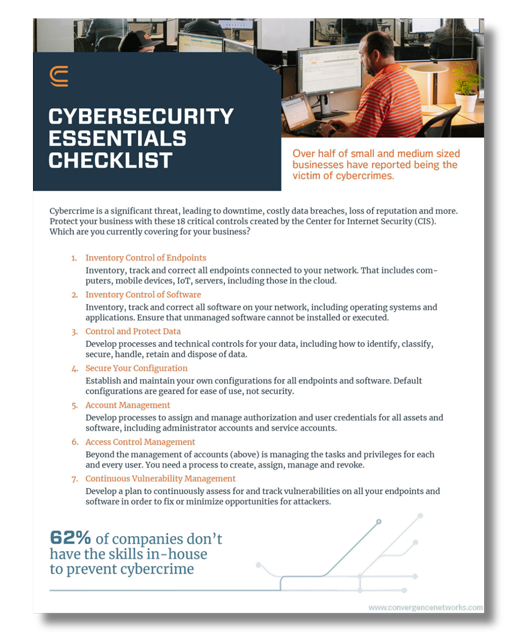
How many of these 18 critical CIS controls does your business have?
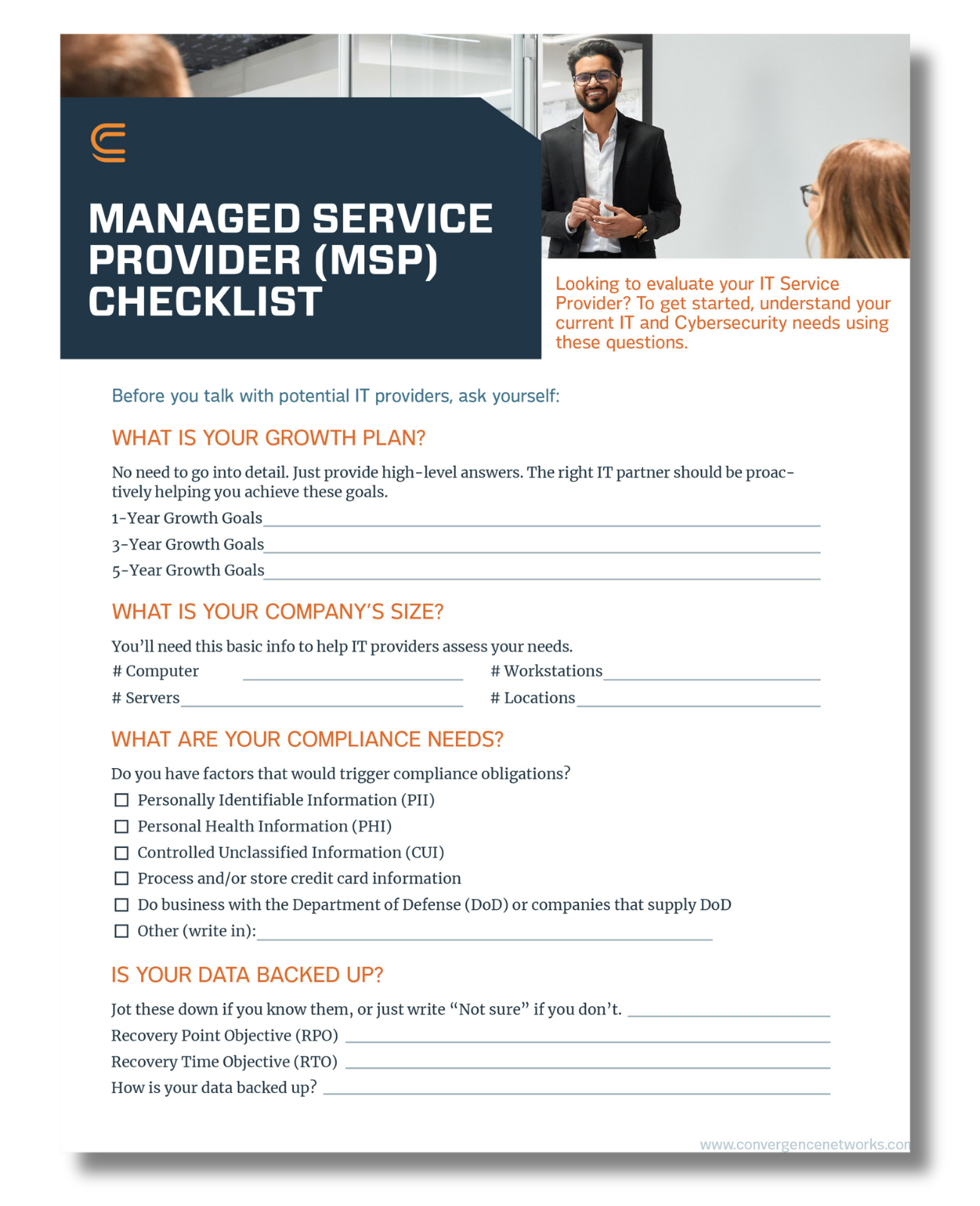
Searching for IT services? Here are the top questions to ask.
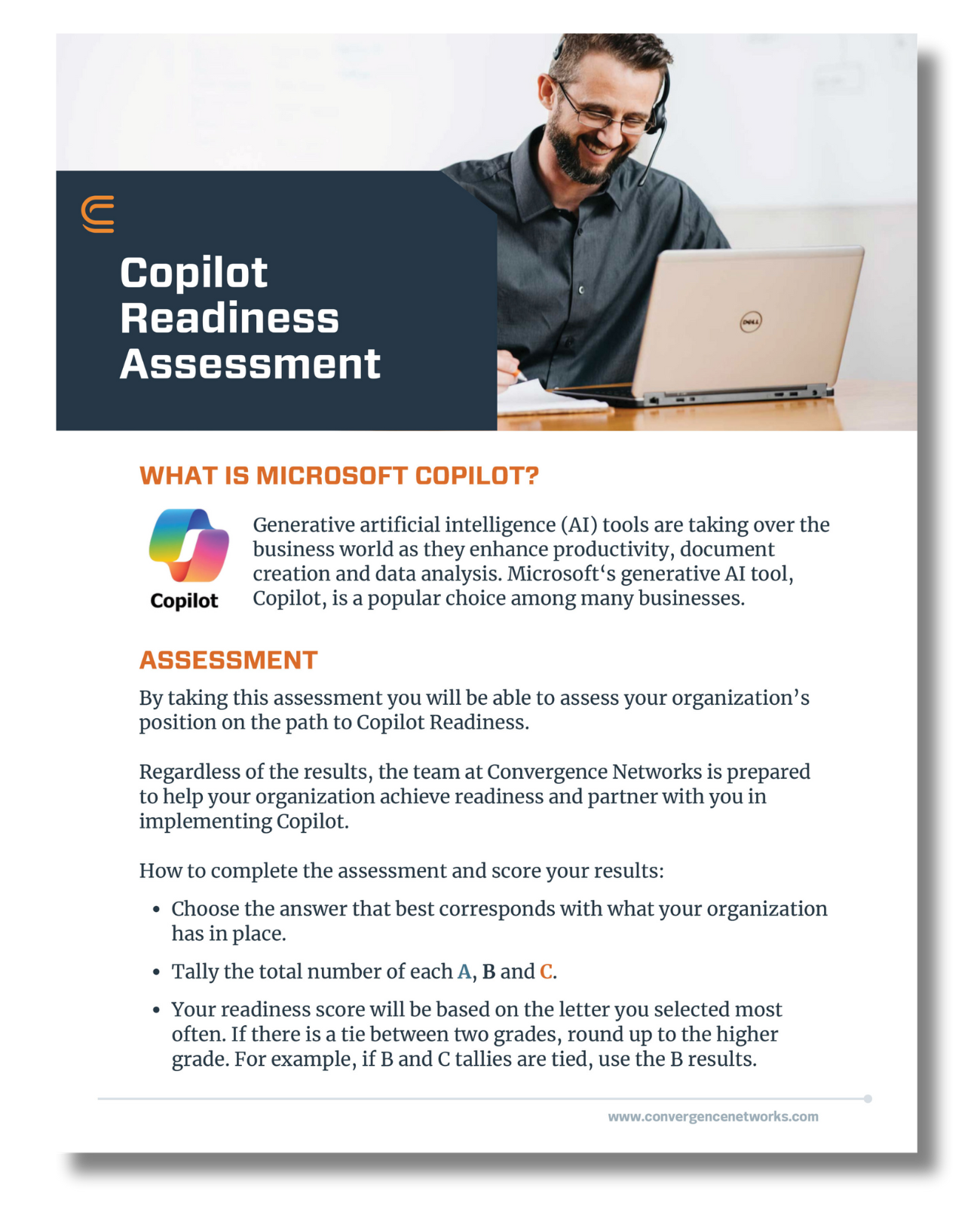
Is your organization ready for Copilot? Find out with this assessment.
We pulled together the most common business IT questions and provided some answers.
We are a security first IT services firm providing
We approach our clients with a focus on their business goals and requirements before recommending solutions to help achieve the desired outcomes. Learn more about what makes us unique.
Our core mission as a company is to help and empower people. We want to lend our time and resources to these organizations as way to give back and support all they do for our communities.
If you’re already using Microsoft 365, chances are you’re familiar with popular tools like Outlook, Word, Excel, PowerPoint, and SharePoint. However, did you know that Microsoft 365 offers a wide range of other apps that can enhance your productivity and help you save on software subscription costs? Here are some of the lesser-known Microsoft Office 365 apps and how you can use them in your business operations to increase productivity.
Teams: Yes – you likely already use Teams, but are you using it to its full capacity? Microsoft Teams is more than just a communication tool; it’s a central hub for collaboration and productivity. You can create teams and channels for different projects, topics, or departments, and share files, chat messages, and meeting notes within them. You can also integrate other Microsoft Office 365 apps and third-party apps into Teams, such as Planner, Forms, Power BI, and more. With Teams you can also host online meetings and webinars with up to 1,000 participants (depending on your subscription), and use features like live captions, polls, breakout rooms, and whiteboard.
Forms: Forms is a simple and powerful tool that allows you to easily create surveys, quizzes, polls, and forms. You can use Forms to collect feedback, measure satisfaction, conduct research, and test knowledge. You can easily share your forms with others via a link, QR code, or email, and view the responses in real-time or export them to Excel for further analysis. Forms allows you to create branching logic, add themes and images, and apply settings like response limits and deadlines. It is integrated with other Microsoft 365 apps, such as Teams, OneNote, PowerPoint, and Excel, so you can create and access forms from within these apps. This Forms Cheat Sheet is a great reference point if you are just getting started!
Loop: Loop is a relatively new app that helps you create, share, and collaborate on dynamic and interactive documents. Loop lets you use components, such as tables, lists, charts, and images, to create rich and engaging content that can be updated and edited by multiple people at the same time. You can also embed Loop components into other Microsoft Office 365 apps, such as Teams, Outlook, and OneNote, so you can access and edit them from different contexts. Loop helps you streamline your workflows, reduce silos, and keep your team on the same page. We have been loving the Loop component for team collaboration! Learn how to use it here.
Whiteboard: Whiteboard is a digital canvas that lets you brainstorm, ideate, and collaborate with your team. You can use Whiteboard to draw, write, type, and insert images, shapes, stickers, and more. You can also use Whiteboard to create templates, diagrams, and flowcharts, and use features like ink to shape, ink to table, and ink to math. You can share your whiteboards with others and co-create them in real-time, and export them as images or PDFs. Whiteboard is integrated with Teams and Surface devices, so you can use it in meetings and on touchscreens. Whiteboard helps you unleash your creativity, visualize your ideas, and solve problems with your team. Not convinced? Here are 13 tips to get the most out of Microsoft Whiteboard.
Power BI: Power BI is a business intelligence and analytics app that helps you turn your data into insights. You can use Power BI to connect to various data sources, such as Excel, SharePoint, and more. You can also use Power BI to transform, model, and analyze your data, and create interactive reports and dashboards. You can share your reports and dashboards with others and access them on the web and mobile devices. You can also embed Power BI into other Microsoft 365 apps, such as Teams, Excel, and PowerPoint, so you can view and interact with your data from within these apps. Ultimately it can help you make informed decisions, monitor your performance, and discover new opportunities.
FindTime: FindTime is a Microsoft add-in built for Microsoft Outlook that uses an attendee poll feature for scheduling. If you have Office 365 this is a FREE installation, you can download from Office 365 and use it instantly. FindTime integrates with your calendar to show what days and times work best and if you are inviting attendees from the same organization, you will receive real-time suggestions. If attendees are from outside of your organization FindTime will set up a poll with proposed meeting times and attendees can vote on a time that works best for them. Once all attendees vote, FindTime will send out the meeting invitation automatically without the organizer having to go back into Outlook and create the invite to book the time. Here is how you can use FindTime for scheduling your meetings!
Bookings: Many people are familiar with apps like Calendly, but our preference is that we leverage Microsoft 365 and use the Microsoft Bookings app. Microsoft Bookings is a scheduling tool that integrates seamlessly with your Microsoft 365 or Office 365 calendar. Bookings works by integrating with your calendar and offering times that wok with your availability based on all calendars you have integrated, including both personal and professional. You can open your schedule to days and times that work for you. It’s best for businesses that require customers to book appointments. Learn how these 7 companies used Microsoft Bookings to schedule and managed their appointments in this case study e-book by Microsoft.
These are just some of the Microsoft 365 apps that can help you streamline your productivity and optimize your software subscription costs. There are many more apps and features that you can explore and use in your business. Interested in learning more? Schedule a call with our team to learn more about how your team can better use the tools you already have in Microsoft 365.
To connect, please enter the 6-digit code given to you by your Network Administrator: