








How to Best Leverage AI Securely as Tools Like Microsoft Copilot Cowork Evolve
A few years ago, using AI at work meant asking a chatbot to draft an email or rephrasing text. Today, AI has advanced, and we have moved into the age of Agentic AI. One recent change was the launch of Copilot Cowork, a system designed to plan and carry out entire workflows across Outlook, Teams, SharePoint, and Word with minimal step-by-step guidance.
This evolution creates significant opportunity, but also greater responsibility. As AI gains access to more business systems and data, organizations need stronger governance, clearer policies, and better control over how these tools operate.
This blog will talk about how organizations can securely leverage AI tools like Copilot Cowork, look more into the risks associated with increased access to data and systems, and explore steps businesses can take to implement AI responsibly while maintaining strong security and governance.
AI Has Moved From Answering to Acting
The first wave of generative AI largely focused on conversations. An employee would enter a prompt, receive an answer, and decide what to do with that information. AI agents change that relationship. Instead of only describing how to complete a task, an agent can plan the work, interact with approved applications, and move the task forward.
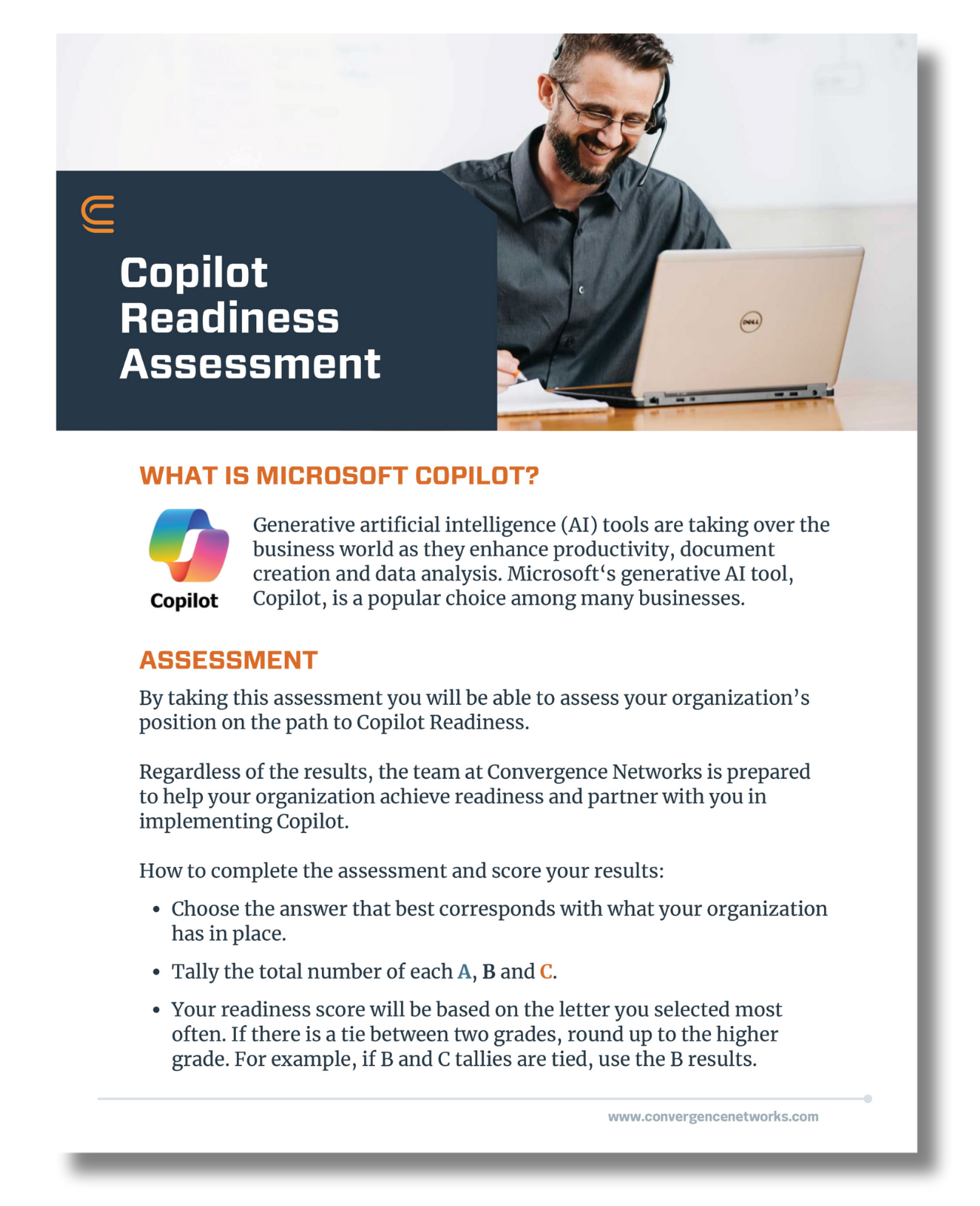
Microsoft Copilot Cowork does the same, it can;
- Send emails on your behalf and Schedule meetings
- Create documents like a Word File or presentations aligning with your brand template
- Post messages in Microsoft Teams and manage your calendars.
- It can also handle tasks that require several connected actions across the Microsoft 365 environment.
This does not remove people from the process. It does, however, mean employees can spend less time directing every individual step and more time reviewing plans, approving actions, and evaluating the final result.
For business leaders, the security part of using these tools matters. The more authority an AI tool receives, the more carefully the organization must manage its access, instructions, approvals, and accountability.
AI Can Expose Problems That Already Exist
AI works with whatever information it is allowed to access. It can quickly find, connect, and summarize data across systems, which saves time when permissions are correct but can also expose sensitive information when access is too broad.
Many organizations already have issues such as outdated sharing links, inactive accounts, excessive permissions, or confidential files stored in the wrong place. AI does not create these problems; it makes them easier to find and use.
AI can increase the impact of these existing weaknesses in several ways:
- AI expands exposure. Every new application, account, connector, and integration creates another place where information may be accessed or transferred.
- AI exposes blind spots. Excessive permissions, forgotten files, public sharing links, and outdated accounts may remain hidden for years.
- AI accelerates impact. A manual mistake may affect a single file or message. An automated workflow can repeat the same mistake across multiple applications before someone notices.
This is why AI readiness must include more than purchasing licenses. Organizations need to understand the condition of their data and access controls before allowing AI to work across their environment.
Shadow AI Is a Leadership Problem
Employees often begin using unapproved AI tools because they are trying to solve real problems, turning to personal chatbot accounts, browser extensions, meeting assistants, transcription platforms, or automation services when no approved alternative exists. While the intent may be harmless, IT teams often lack visibility into what information is being entered, where it is stored, how long it is retained, or what systems the tool can access. Netskope reported that 47% of generative AI users were still using personal AI applications in 2026, and IBM found that one in five organizations experienced a breach linked to shadow AI, with 97% lacking proper access controls.
Blocking AI websites alone is unlikely to solve the issue, as employees may simply find other tools or use personal devices. Leadership must provide a safer path by offering approved tools, setting clear expectations, and ensuring those tools are useful enough to discourage workarounds.
Classify AI Use Cases by Risk
One way to bring structure to AI adoption is to classify use cases by risk, the same way many organizations already classify data. This gives employees clear guidance on what is acceptable, what needs a second set of eyes, and what should never be automated at all.
Level | What It Means |
Low | Approved for day-to-day use. Routine tasks with minimal risk, standard use, and basic monitoring. No sensitive data is involved. |
Medium | Requires human review. Tasks that call for oversight, often involving client data or decisions that need a person to sign off before action is taken. |
High | Restrictive and monitored. Sensitive operations with significant impact that require approvals, strict controls, and continuous monitoring. |
Prohibited | Not allowed under any circumstances. Activities that must never be automated because they cross ethical, legal, or regulatory boundaries. |
Establish Policies Before Adding More Tools
Don’t rush to adopt every new tool. We understand the rapid evolution of these tools creates market pressure, but organizations should focus on using AI correctly rather than adding disconnected platforms without clear oversight.
A corporate AI policy should cover:
- Approved tools: Define which platforms and account types are allowed. Avoid personal accounts for business use.
- Data rules: Specify what information can be entered. Apply stricter limits to sensitive data.
- Human responsibility: Clarify which tasks require review and who is accountable.
- New tool requests: Provide a clear process for evaluating additional AI tools.
- Monitoring and enforcement: Explain how usage is tracked and how misuse is handled.
Keep the policy simple and clear so employees understand both the rules and the reasons behind them.
Build the Foundation Before You Scale
Before expanding AI access, organizations should complete several important steps:
- Identify current AI use. Ask employees what tools they are already using and what problems those tools solve. This provides a more accurate picture than assuming all AI use is happening through approved platforms.
- Review access and permissions. Find broadly shared folders, inactive accounts, old public links, excessive privileges, and sensitive files without clear owners. AI should not inherit access that the employee never needed.
- Choose a defined business problem. Start with a workflow where success can be measured. The goal should be a better business result, not simply introducing another AI product.
- Assign ownership. Every AI initiative should have a business owner, a technical owner, and clear responsibility for reviewing results. Someone must be accountable when the process does not work as intended.
- Test within controlled boundaries. Begin with a limited group, a narrow data set, and actions that can be reversed. Use the results to improve policies and controls before expanding access.
- Train employees using real situations. Explain which information can be entered, how outputs should be checked, and when IT should be involved. Training must evolve as the tools and associated risks change.
These steps may appear slower than opening access across the company. In most cases, they save time by reducing confusion, preventing rework, and identifying security problems before they become larger incidents.
Move With Intent, Not Pressure
Organizations do not need to be on the bleeding edge of every AI advancement. Early experiments can produce useful lessons, but they can also create inconsistent results, uncontrolled costs, and security questions that have not been fully answered.
Tools and capabilities also change quickly. A platform that appears essential today may be replaced, renamed, or included within an existing service several months later.
A measured approach allows organizations to learn without making unnecessary commitments:
- Learn from early adopters. Review the successes and mistakes of organizations that have already tested similar technology.
- Reduce risk through clarity. Establish ownership, standards, and governance before making major investments. Employees should not have to guess what is allowed.
- Focus on proven outcomes. Connect each initiative to a real business problem and a measurable result.
- Build deliberately. Put the right access controls, policies, training, and review processes in place before expanding AI across the organization.
The right pace will be different for every organization. What matters is that leadership makes the decision intentionally rather than allowing employee adoption or market pressure to set the strategy.
Getting Your Organization AI-Ready
Most businesses do not need to choose between adopting AI and staying secure. What they need is a clear-eyed assessment of where their data, permissions, and policies stand today, followed by a plan that lets AI adoption happen on their terms rather than by accident.
Our AI Accelerator service is built for exactly this. It combines expert-led deployment, employee training, policy guidance, and data protection to help organizations adopt tools like Microsoft Copilot Cowork and other generative AI platforms with strong data security protocols built in from the start. If your organization suspects that employees are already using unapproved AI tools or simply wants a governance framework in place before broader rollout, that assessment is the right place to begin.


